Today we're releasing mcp-sharepoint as open source — an MCP (Model Context Protocol) server that lets any AI Agent interact directly with Microsoft SharePoint through the Microsoft Graph API.
The repository is available on GitHub: github.com/memori-ai/mcp-sharepoint
The problem it solves
SharePoint is the document backbone of millions of companies. Procedures, manuals, contracts, technical documentation, templates: it all lives there. But when a team works with AI agents — on Claude, on AIsuru, or on any other platform — those documents remain siloed. The agent can't see them, can't read them, can't update them. The result is that people become the manual bridge: downloading, copying, pasting, re-uploading. Repetitive work that AI should eliminate, not multiply.
With mcp-sharepoint, that bridge becomes automatic. The agent accesses SharePoint, reads documents, extracts their content, uploads new ones. Without anyone having to touch a file by hand.
What it does, concretely
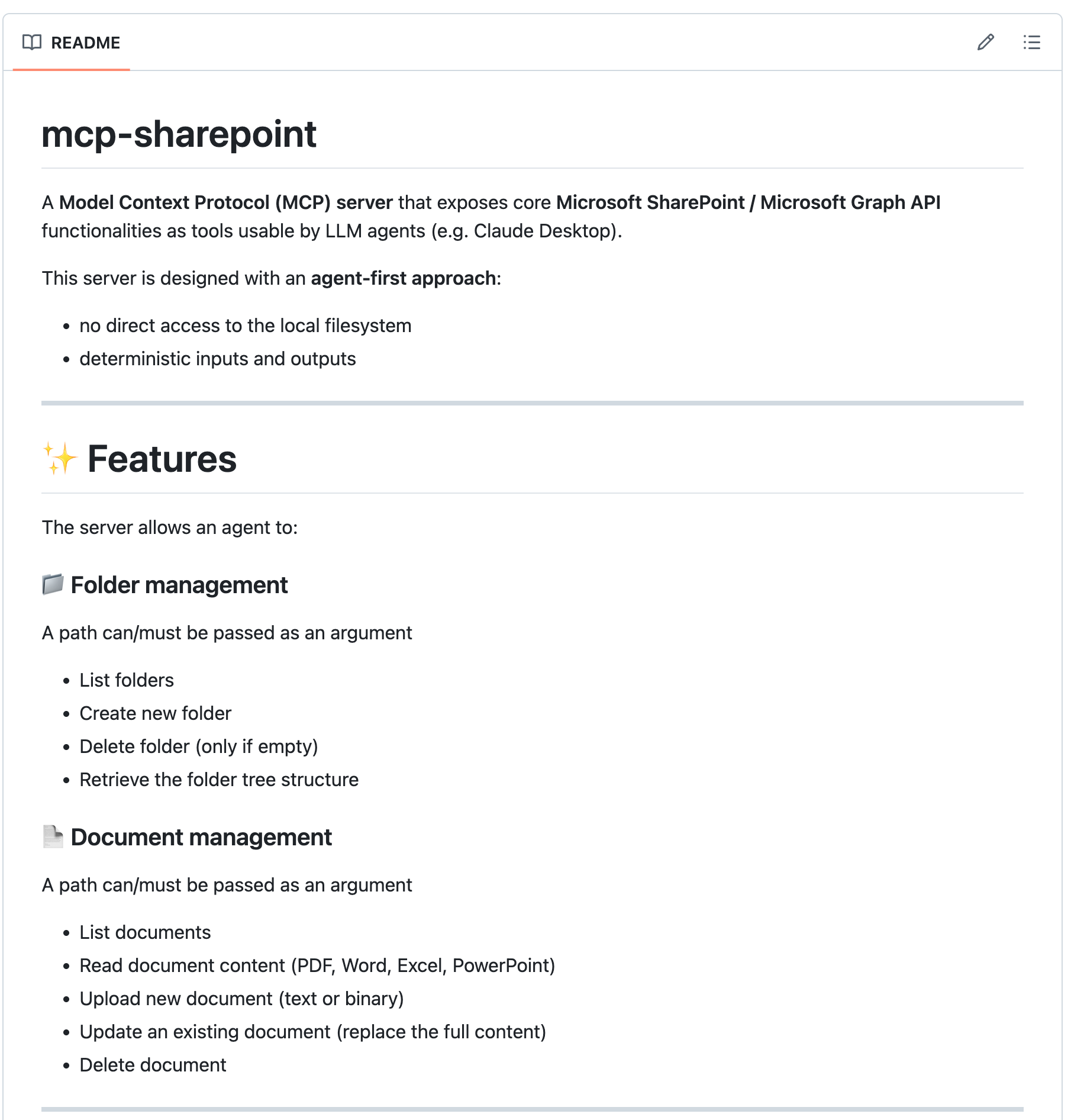
The server exposes two groups of capabilities through the MCP protocol.
Folder management. The agent can list folders in a given path, create new ones, delete empty folders, and retrieve the full tree structure of a SharePoint drive. This means an agent can autonomously navigate a company's document organization and locate the information it needs.
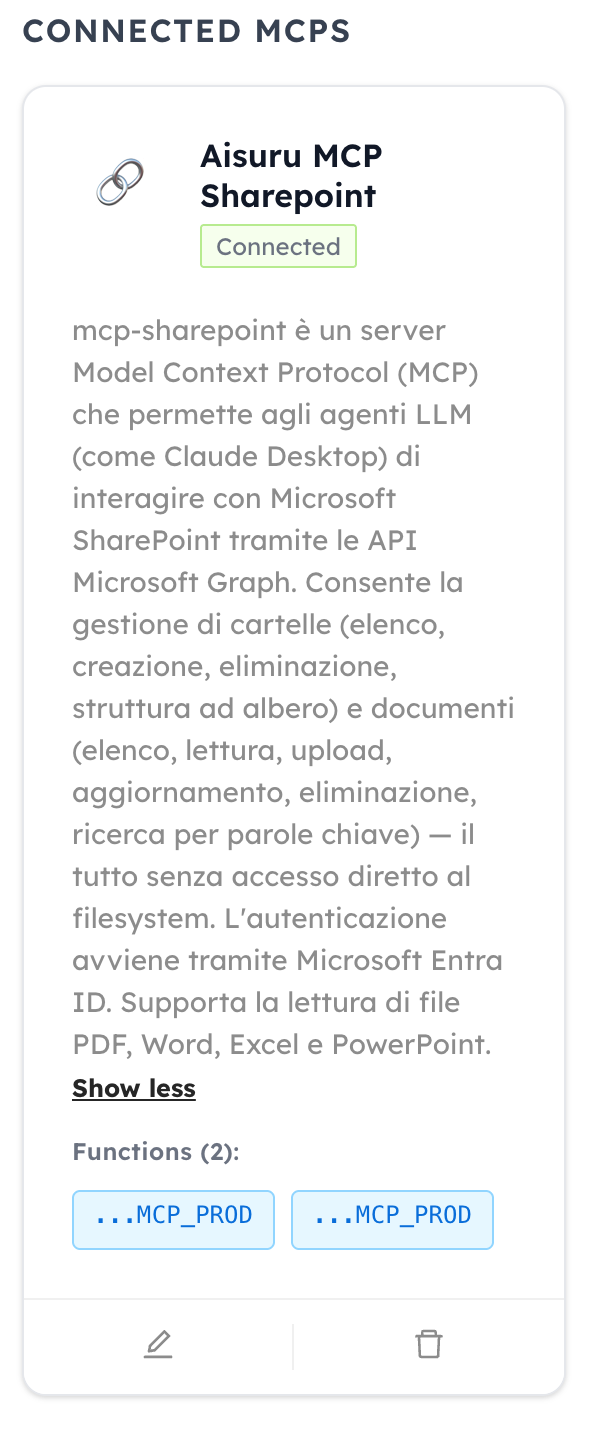
Document management. The agent can list documents in a folder, read their text content — with native support for PDF, Word, Excel, and PowerPoint — upload new files (text or binary), update existing documents, delete them, and search for documents by keywords on specific attributes. In practice, the agent gets full read-write access to the company's knowledge base on SharePoint.
A real-world use case: ISO documentation
This isn't a theoretical project. We're already using it internally. One of the most significant use cases involves compiling documentation for ISO certifications (9001, 27001, 42001). We have agents that access the document structure on SharePoint, read existing procedures, identify sections that need updating, generate compliant drafts according to the standard's requirements, and upload them directly to the correct folder. What used to take days of manual work — drafting, reviewing, filing — becomes a continuous, AI-assisted workflow.
The same approach applies to any knowledge management scenario: operational manuals, technical documentation, internal procedures, new employee onboarding. Wherever there's a SharePoint-based document repository that needs to be read, maintained, and updated, an agent with mcp-sharepoint can step in.
How it works under the hood
The server is built in Node.js (version 18 or higher required) and authenticates to Microsoft Graph through an App Registration on Microsoft Entra ID. Three credentials are needed — tenant ID, client ID, and client secret — plus the identifiers for the SharePoint site, drive, and list you want to operate on.
The architectural approach is agent-first: no direct access to the local filesystem, deterministic inputs and outputs, every operation is an MCP tool call with explicit parameters. This makes the server usable by any compatible MCP client: Claude Desktop, AIsuru, or any other orchestrator that supports the protocol.
The required Graph permissions are Sites.Read.All, Sites.ReadWrite.All, Files.Read.All, and Files.ReadWrite.All, configured as Application permissions. The principle is least privilege: grant only the permissions actually needed for the required operations.
Current limitations and roadmap
Transparency first. The current version has some known limitations. Partial document updates are not yet supported: an update replaces the entire file content. Files larger than 4MB require upload sessions, a feature not yet implemented. Text extraction from complex PDFs or Excel files with elaborate formatting may lose some of the original structure.
These are all points we're actively working on, and the fact that the project is open source means the community can contribute directly.
Why open source
We believe the connectivity layer between AI and enterprise systems should be open, auditable, and customizable. An MCP server handles access to sensitive data: the code must be verifiable, auditable, and adaptable to each organization's specific needs. That's why we chose to release mcp-sharepoint as an open source project.
It's also consistent with our vision for the AIsuru platform: zero vendor lock-in, multi-LLM, flexible deployment. An open SharePoint connector is a natural piece of that approach.
How to try it
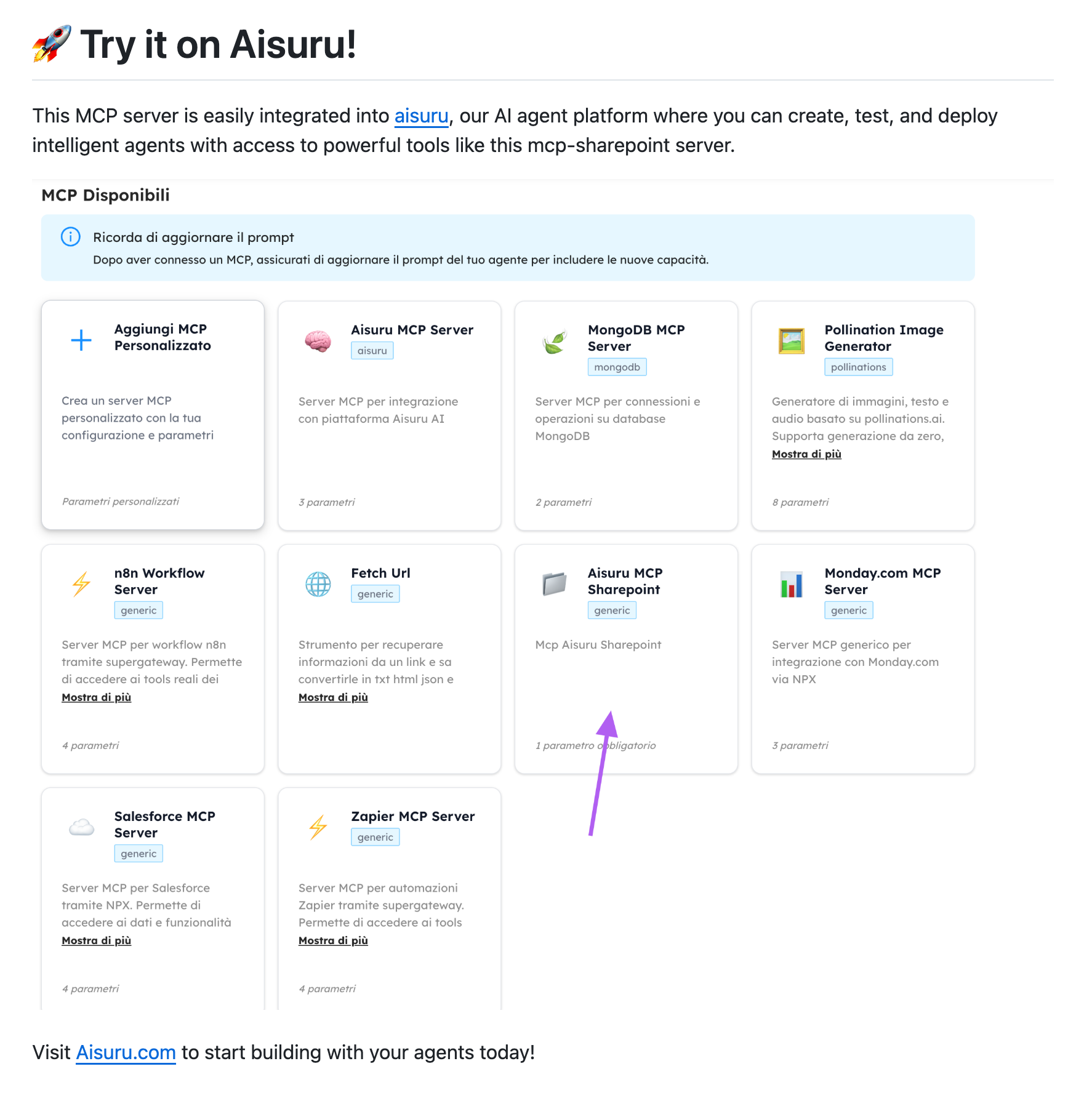
There are two paths. The first is to clone the repository, configure your Microsoft Entra ID credentials following the guide in the README, and connect the server to your MCP client — for example, Claude Desktop. The second, more immediate option is to try it directly on AIsuru.com, where the SharePoint connector is already available and configurable without writing any code.
For a guided demo or questions about integrating it into your workflows: demo@memori.ai.
Repository: github.com/memori-ai/mcp-sharepoint